For your privacy: please do not include any sensitive personal information in the conversations; please review our Privacy Policy for details.
1. Find the Assistant:
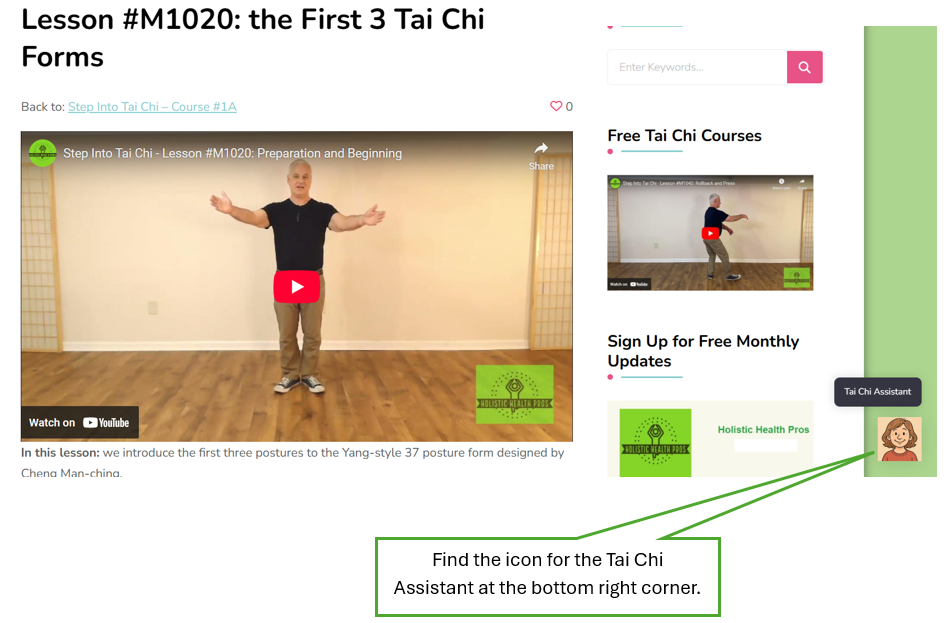
2. Click on the icon for the Assistant.
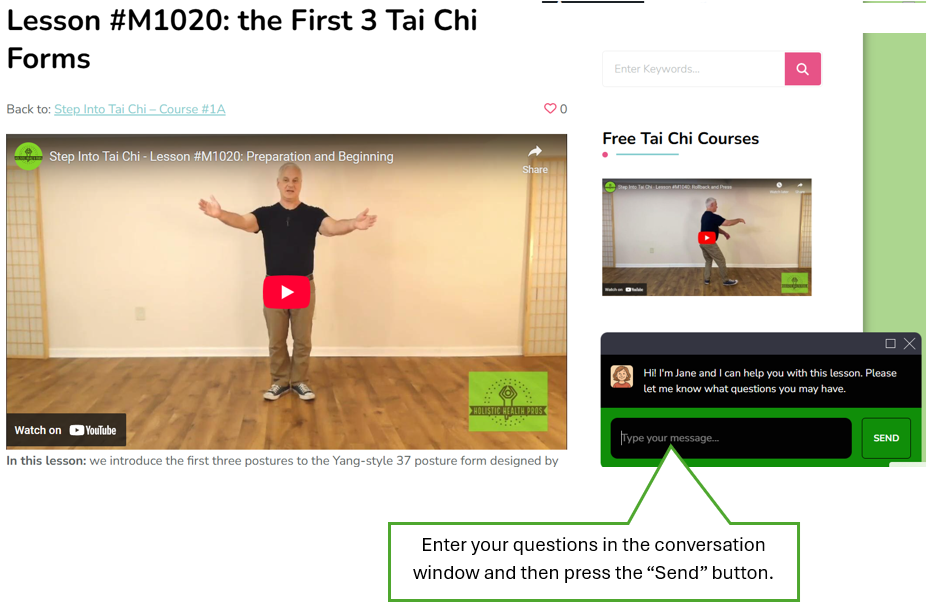
3. A conversation window shows up, prompting you to enter your questions.
4. You can adjust the size of the conversation window.
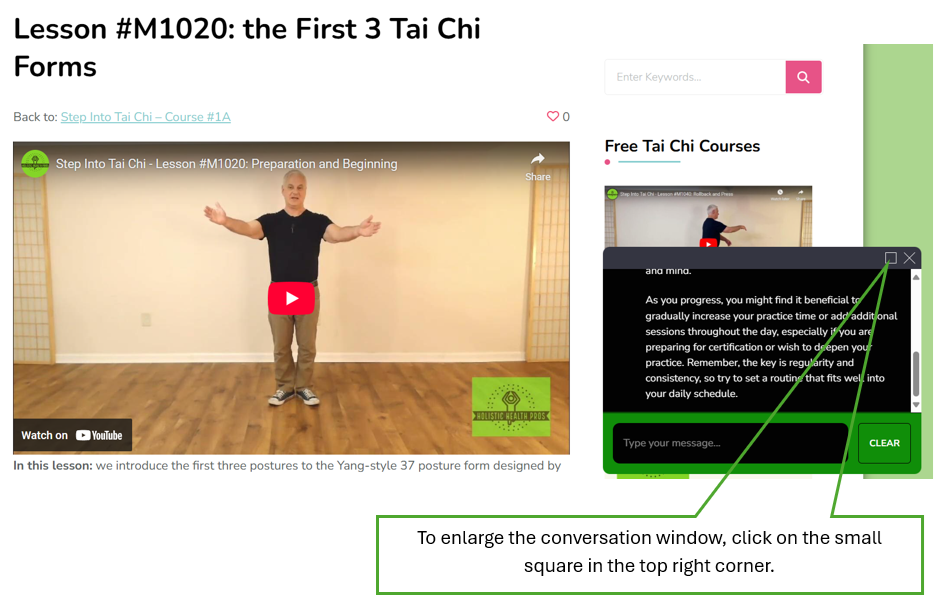
After the enlarged conversation window appears, you can click on the same small square to make the window go back to the small one in the bottom right corner.
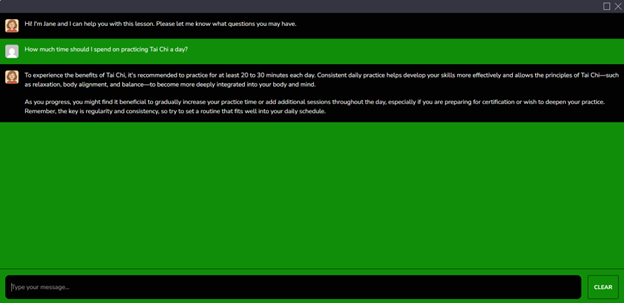
5. Save the answers:
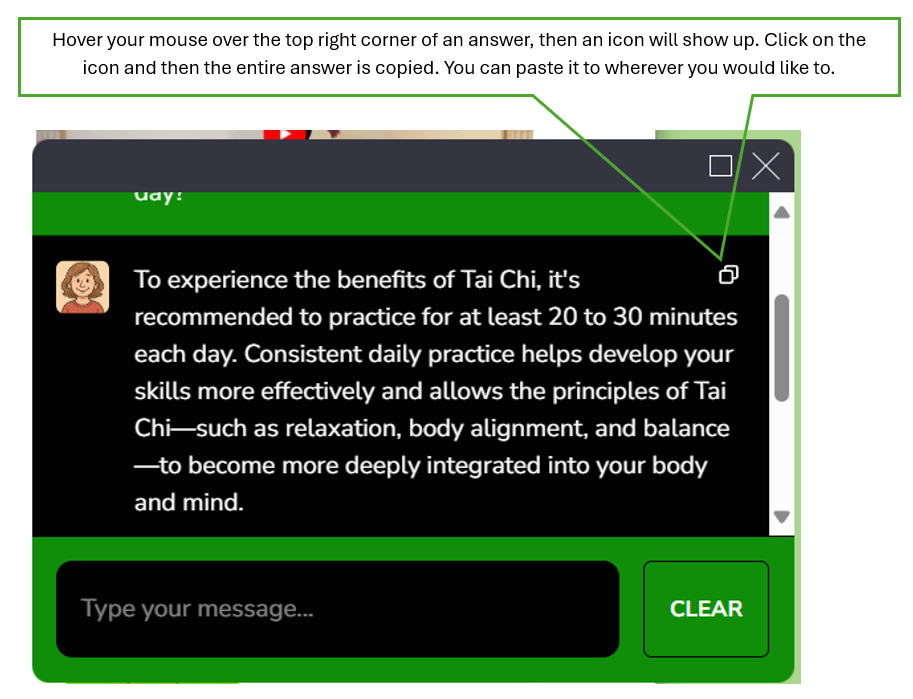
If you want to save an answer from the Tai Chi Assistant, you can use the conventional way: select the answer and then copy/paste it.
Alternatively –